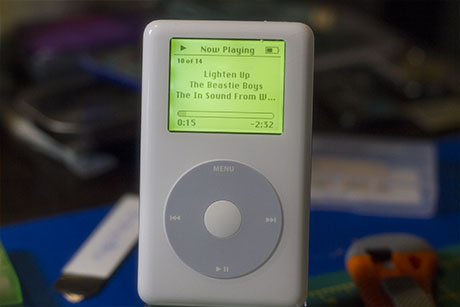
iPod Gen 4 Backlight Colour Mod
This is a mod I've done a couple of times now, I think it looks really cool. The process is similar across all Monochrome iPods, with some specificities.
I'd categorize this as an intermediate difficulty mod, so I'm going to skip basic things like how to open the iPod or plug in ribbon cables.
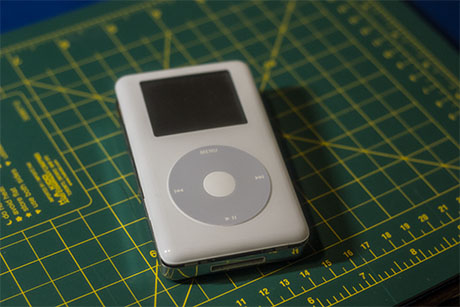
Crack open the pod using a spudger tool
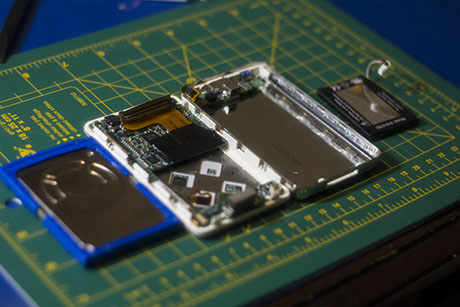
Disassemble the iPod, releasing the ribbon cable that connects to the components on the backplate. I like to pretty much completely disassemble the thing for ease of access.
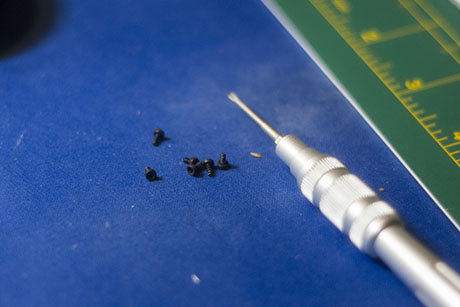
Remove the 6 torx screws that secure the motherboard, our lcd will be behind that
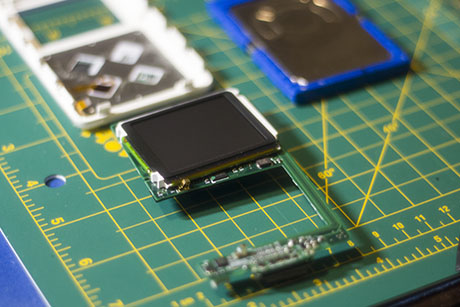
Remove that bad boy and release the ribbon cable that secures the lcd to the motherboard
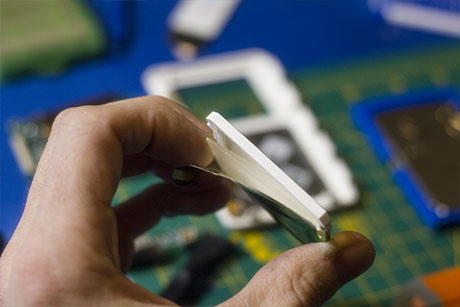
Okay, this is where it can get dicey. The lcd consists of a few layers. Our first obstacle is the thin white seal that adheres to the back. Stick an xacto or similar tool at the edge and peel it back enough to work, but not so much that you rip the ribbon cable on the back of the lcd.
Next, very carefully do the same for the glass layer. Don't stick the tool deep enough that you damage components inside. I was a little reckless as you'll see later, and scraped some of the bezel around the screen, so some light bleeds, not enough to affect function, but enough to bug me.
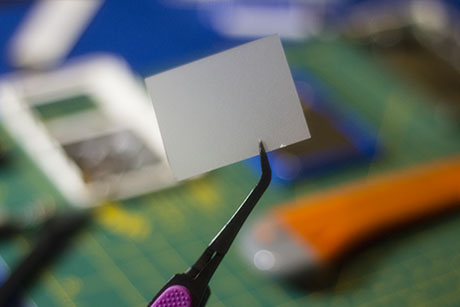
The layer after the glass is our target in here, it's a light diffuser. I imagine you could keep this in, but I have removed it every time I do this mod.
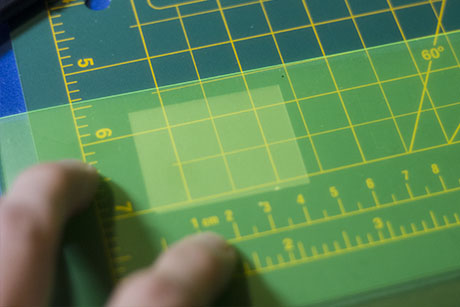
If you do remove it, lay your light gel or filter over it and trace with a knife or other tool. If you leave it in get the measurements from it for your template.
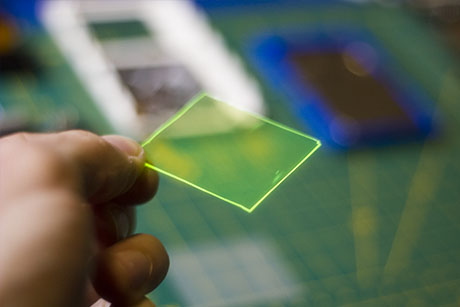
You should end up with something like this.
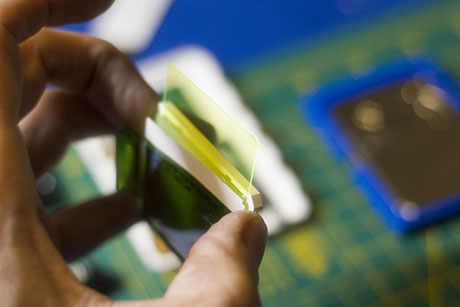
Now put your newly trimmed filter in where the diffuser was, or in with it if you're keeping it intact
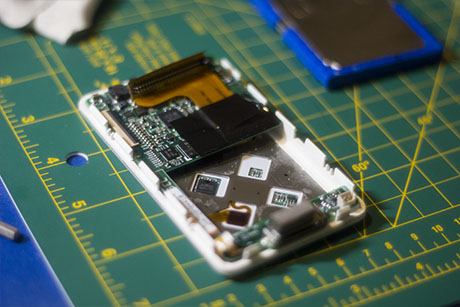
Now you can reassemble everything. Reconnect the ribbon cables and seat the screws.
While I'm in here I'm going to replace the battery.
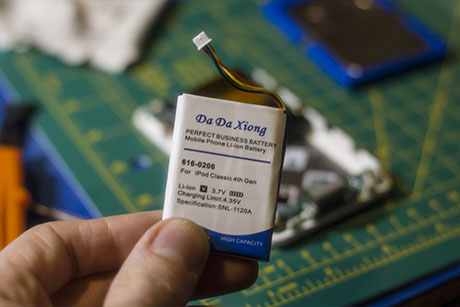
This is what I'm throwing in there. A simple plug in replacement after removing the previous battery from its stubborn adhesive.
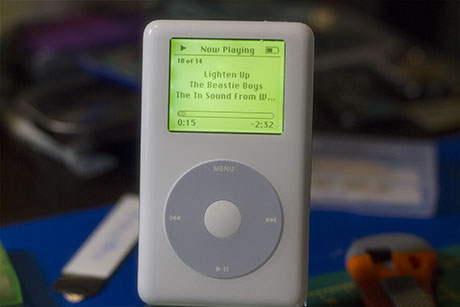
Here it is, nice glow like a Casio
If any steps could use some more detailed explanation, let me know. I'll set up a way to get in touch eventually.